
Choose from hundreds of email templates


Create an email campaign
Folk elsker PosterMyWall
-
“
Its really easy to create advertisement flyers for any event or occasion and does not take much time at all. A lot of pre-made made materials that are easy to edit for your needs.
 Kristin B.Marketer
 -
“
It’s an awesome site! Great way to create a really awesome designed poster for your business
Judy JohnsonEntrepreneur -
“
DIY menus for Skye’s Cafe. Thankyou to PosterMyWall for making it so simple and easy to do online!
Stacie Jane PalmerCafe Owner


Læs kundeanmeldelser
How to create an email campaign
-
Vælg en e-mail-skabelon
Vælg mellem tusindvis af professionelt designede e-mail-skabeloner til enhver virksomhed, begivenhed eller lejlighed.
-
Tilpas din e-mail med nemme værktøjer
Tilføj dit logo, billeder, videoer, skrifttyper, klistermærker, lydklip, og mere. Brug Brand Kits for ensartede designs, der matcher brandets stil.
-
Se forhåndsvisning af din e-mail eller download HTML
Download e-mailen gratis som HTML eller se forhåndsvisning af din e-mail på computer, tablet og mobil for at se, hvordan den ville se ud på forskellige skærme.
-
Publicer din e-mail kampagne
Tilføj en mailingliste og send din e-mail direkte fra PosterMyWall.
Featured email templates for every need


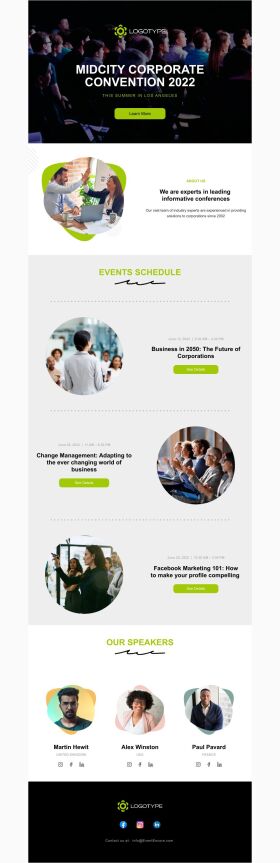


Announcement

Back in Stock

Coming Soon

Daily Specials
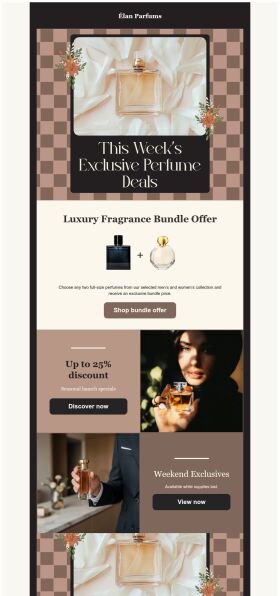
Deals and Bundles
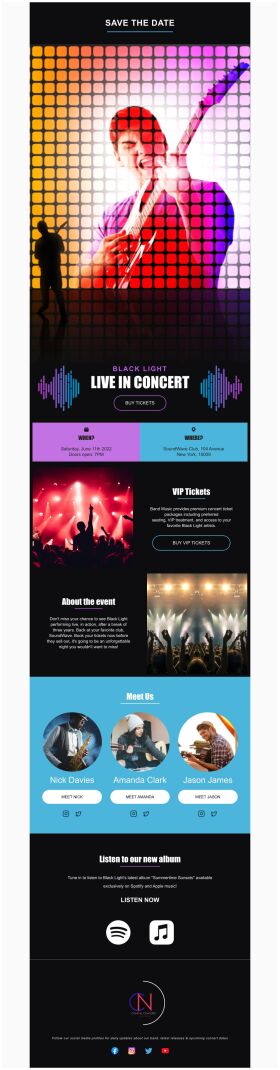
Event Promotion

Event Schedule
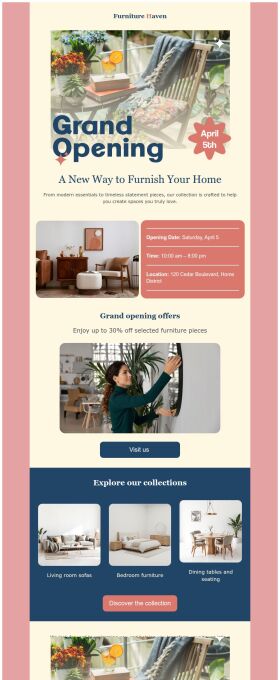
Grand Opening


Ofte stillede spørgsmål
How do I create and send my email campaign?
Create an email campaign by customizing an email template from the gallery. Add photos, videos, stickers, buttons, tables, social links, or your own designs from PosterMyWall with our easy-to-use drag-and-drop Email Maker. Free users can export the email in HTML format, and Premium subscribers can publish it directly from PosterMyWall.
How does an email marketing campaign work?
Email marketing campaigns are essential to boost sales, maintain relations with customers and collect feedback. Use our email maker to promote special offers, introduce new products, exclusive brand deals, welcome new customers, and much more.
How to implement email segmentation strategies using an email maker?
To effectively use email maker, first build an email list of potential clients for your business. You can get it through a subscription program or sign-in form on your website. Next, divide your list based on different market segmentations and customize an engaging email campaign targeting each group's needs. Later, track the campaign's performance.
How many people can I send emails to?
You can export your email as an HTML file on the free plan, then send it via your email service provider like Gmail, Hotmail etc. If you’re subscribed to the Premium or Premium Plus plan, you can send 3000 emails and 10,000 emails per month respectively with PosterMyWall’s Email Marketing Platform.






